Gedys CRM Release 8.11
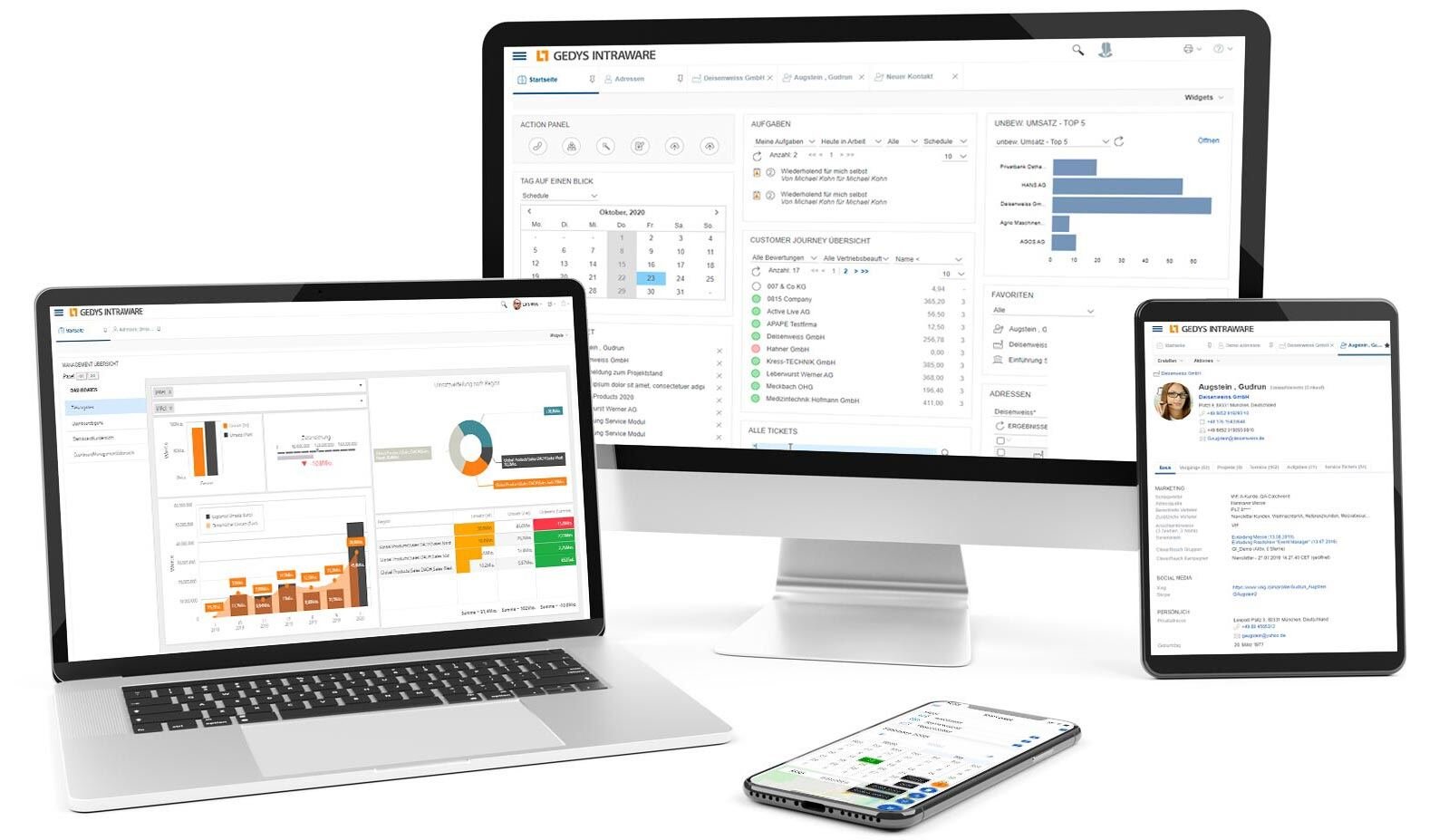
Clean design and optimized navigation also ensure greater user-friendliness and clarity. You make faster progress and increase your team's motivation.
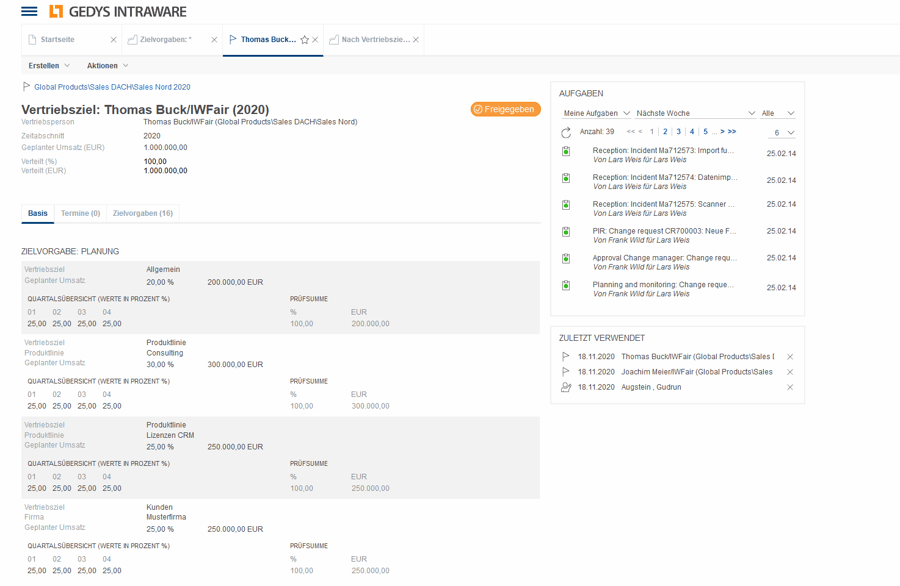
You generally use a CRM with functions for your sales management to pursue the defined strategic corporate goals operationally. With the planning, management and control of targets, budgets, activities and resources, a huge amount of data to be monitored and evaluated quickly accumulates.
Maintaining an overview of target achievement can become a real challenge. Numerous functions of CRM software - often integrated with your existing ERP system - are your helpful companions in everyday life - not only for sales management, but also for employees.

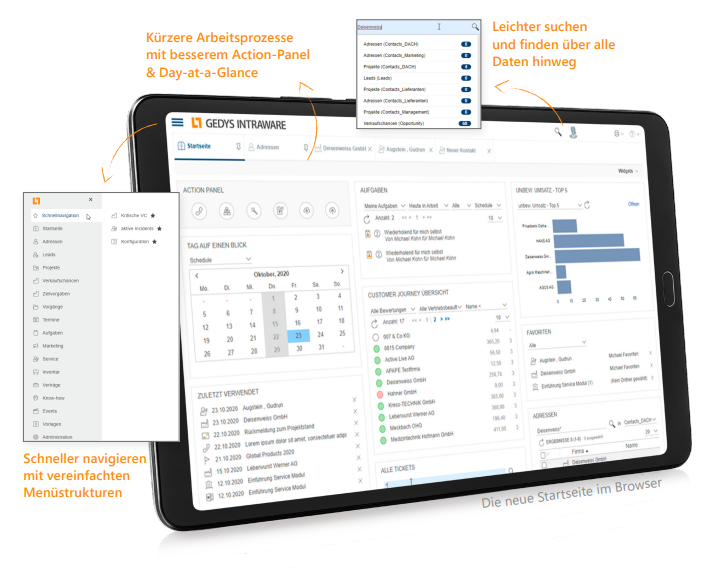
At best, your CRM is your leading system for day-to-day business relationships. So you should be able to act quickly and flexibly here in particular. Clarity and short, clear paths to your current target save you having to click around while the customer or manager is waiting on the phone. Our new design for the Gedys CRM on the web has been optimized with the help of UX design experts to meet the requirements of everyday working life. So that you can get where you want to go faster and never lose track!
The progress of digitalization and the restrictions on public and professional life in recent years have led to more and more people working from home. In addition, customers expect their inquiries to be clarified ad-hoc, without waiting times.

Video conferencing has therefore become the new standard for collaboration.
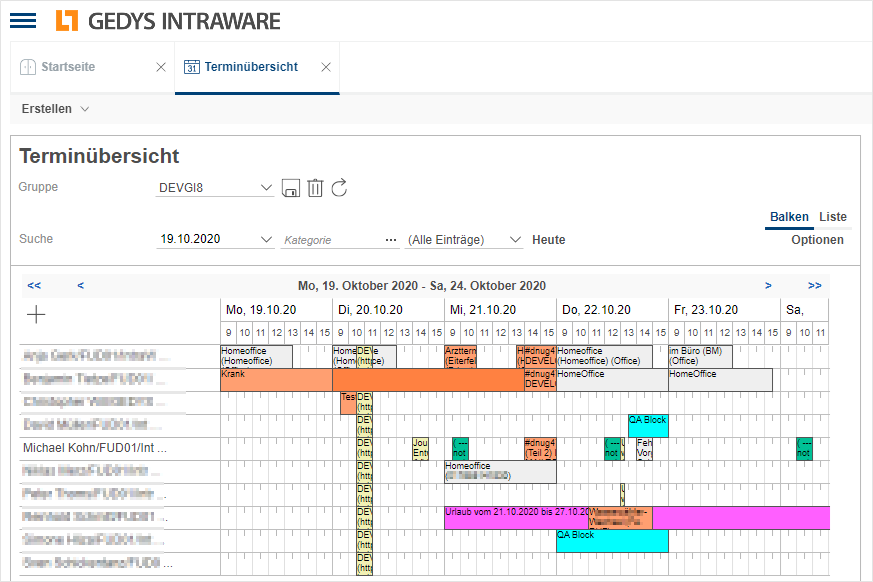
With the new appointment overview in Release 8.11, unnecessary coordination loops are a thing of the past. You can save groups there, for example for project teams. You can easily view the team appointments planned in the CRM system and find the right group appointment with ease.

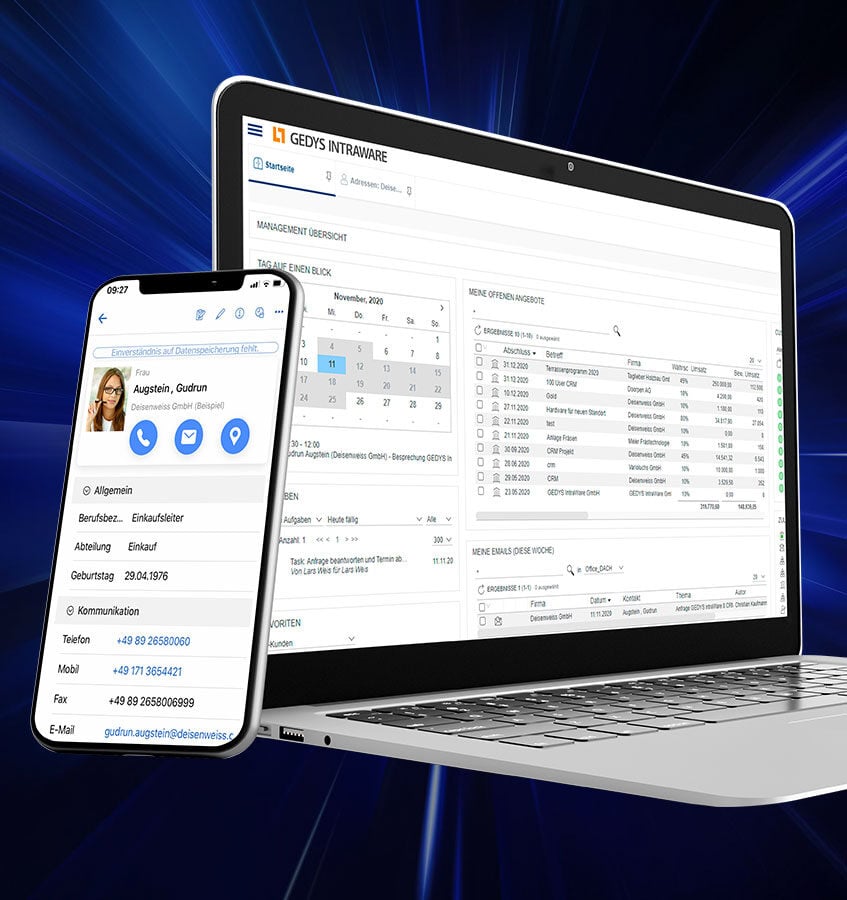
We have also redesigned the group invitations, which are now sent directly as an ics. file, while the CRM automatically processes the replies from colleagues.
You can now use Gedys Business Mail not only with Outlook, Notes and IMAP mailboxes, but also with HCL Verse On-Premises. Operate Business Mail even more intuitively thanks to the harmonized look across all variants - whether as an e-mail application or mobile.
We have not only worked on the look. Further innovations await you for even more practicality in your everyday life:
Of course, you can also find your mailbox in the mobile CRM app, regardless of whether you use Outlook, Notes or - now new - an IMAP mailbox.
The Business Mail function shows you all CRM data for the sender in your mobile mailbox. All incoming emails can be documented in the CRM system with just one click.
Usability optimizations facilitate quick access to functions and documents. For example, the CRM app suggests recent and frequently used actions.
For many people, working on the move is part of their daily business. This is when things sometimes need to be done particularly quickly. That's why we are constantly expanding our mobile CRM application with functions that make your daily business easier. Find what you are looking for faster, share what your colleagues need to know more quickly.
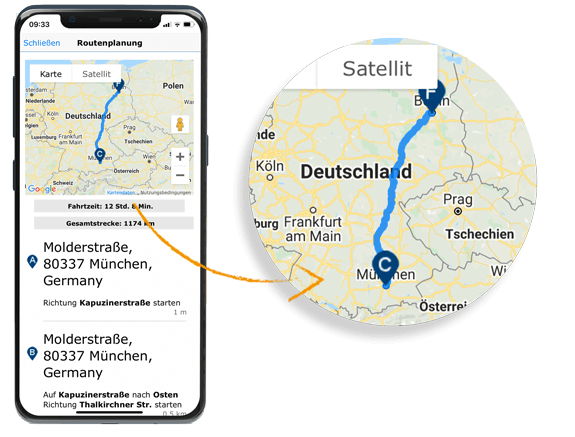
Do you have a lot of appointments for the day? Plan your routes quickly and easily directly from the appointments in the calendar widget of your CRM app and you're ready to go on your business trip!